Cattle Record Keeping Software Compared: CattleMax and Other Options
Author: Elliott Garber, DVM · Published
Cattle record keeping software is easier to compare when you start with the job: finding a cow by her tag, recording a calving, checking a pedigree or preparing a sale. Creatures is ours, and we include it alongside CattleMax, Farmbrite, Herdwatch, Livestocked, FarmKeep, Ranchr and a spreadsheet. Creatures for breeders connects animal records with pedigrees, a public website and sales tools.
Prices and vendor details rechecked November 12, 2026. There are no affiliate links or ranked winners. The comparison uses each vendor’s own published information. “Not confirmed” means the checked pages did not establish that detail; ask the vendor before making it part of your buying decision.
| Start with | One cow, calf and real record you need to retrieve |
|---|---|
| Compare price | The actual herd band, users and billing term |
| Registered cattle | Check registry fields and pedigree outputs |
| Offline need | Herdwatch, Livestocked, Farmbrite and Ranchr Premium describe offline work |
| Moving records | Ask which fields and attachments the import leaves out |
| Creatures | Free unlimited records; browser access; separate sales and transfer terms |
Compare the cattle record systems
The prices below describe the named plan or herd band, not a quote for every operation. An annual-billing monthly equivalent is different from a month-to-month subscription. A free trial is also different from a lasting free tier. Confirm the total for your active head count, users and required features.
| Product | Price | Free tier | Species | Phone or computer | Pedigrees | Public website or sales | Import |
|---|---|---|---|---|---|---|---|
| CattleMax | Up to 250 head: Commercial $30/month or $288/year; Registered $41/month or $396/year. 50 head or less: Commercial $15/month or $144/year; Registered $20/month or $192/year. | 21-day trial; ongoing free tier not confirmed | Cattle | Phone, tablet or computer; cloud records | Three generations on Registered | Cattle and customer marketing on Registered | Import resources and support-team help; historical data migration for 2,000+ head operations |
| Farmbrite | Livestock Essentials $29/month or $290/year; up to 300 active animals, sets or flocks and 5 team members | Trial; ongoing free tier not confirmed | Multiple livestock species | Web, iOS and Android apps; offline record keeping listed in all plans | Genealogy and pedigree | E-commerce on livestock Premium | Data import and export |
| Herdwatch | Price calculated for the operation | Free digital calving book; full-feature trial | Cattle and sheep | Phone, tablet and computer; offline sync | Not confirmed in checked pages | Not confirmed in checked pages | US sheep: spreadsheet import and free flock upload; UK: BCMS, ScotEID or Nifais; US cattle import not stated |
| Livestocked | $80/year for 100 active animals | 30-day trial; ongoing free tier not confirmed | Cattle, sheep, goats and other farm species | Windows, macOS, iOS, Android; online and offline | Not confirmed in checked pages | Not confirmed in checked pages | Not confirmed in checked pages |
| FarmKeep | $9.99/month or $95.99/year Premium | $0 Basic; Premium trial | Multiple farm species | Mobile apps; confirm plan/device access | Pedigree and lineage tracking | Not confirmed in checked pages | Not confirmed in checked pages |
| Ranchr | Premium $13/month, or $130/year ($10.83/month equivalent) | Free mobile plan; soft record cap | Cattle | Mobile app; Premium adds web app and offline mode | Not confirmed in checked pages | Not confirmed in checked pages | Premium imports from other sources |
| Spreadsheet | Depends on spreadsheet product; existing file can be reused | Depends on chosen software | Any species with a keeper-designed sheet | Depends on chosen software | Keeper builds parent links and charts | Separate website or sales workflow | Copy/paste or file import depends on software |
| Creatures | Records $0. Completed marketplace sale: 5% buyer fee plus 5% seller fee. Ownership transfer: first free, then $19.95. Optional Pro: $499/year, or $49.95/month on a 12-month plan. | Free, unlimited animal profiles and records | Multiple animal species | Phone or computer browser; no app-store app | Multi-generation pedigrees | Free website, listings and sales tools | CattleMax/HerdBoss ZIP, Evans XML, spreadsheets and papers |
A marketing feature in this table does not necessarily mean a full farm website, online checkout or ownership transfer. Ask to see the exact buyer-facing result. Likewise, an import entry describes an input path, not a promise to reproduce every field and attachment from your old system.
What each option is best for
CattleMax
Best for: cattle producers choosing between commercial cow-calf records and a registered herd workflow.
CattleMax separates Commercial and Registered plans. The checked pricing page shows three-generation pedigrees, association interfaces and cattle/customer marketing under Registered. Compare that plan if your current job involves registration papers and seedstock records; compare Commercial against the records you actually enter for the cow-calf herd. CattleMax prices here are in USD. Those prices are for the up-to-250-head band: $30 or $41 billed month to month, or $288 or $396 billed once a year. The annual totals equal $24 or $33 a month, respectively. Smaller and larger herd bands are priced differently. The vendor provides import resources and support-team help, with historical data migration listed for operations with 2,000 or more head. It describes access from a phone, tablet or computer.
Farmbrite
Best for: farms that need cattle records alongside accounting, pasture and inventory work.
Farmbrite’s Livestock Essentials costs $29 a month or $290 a year and covers up to 300 active animals, sets or flocks and five team members. It includes genealogy and pedigree, animal records and data importing/exporting. Its pricing page lists web, iOS and Android access and offline record keeping across all plans. The livestock Premium plan includes e-commerce. Compare the named plan that covers your work.
Herdwatch
Best for: cattle operations selecting a recording workflow for their region and needing offline sync.
Herdwatch documents phone, tablet and computer access, with offline work that syncs after reconnection. Its US, UK and Ireland pages describe different regional contexts. The UK edition imports registered animals through BCMS, ScotEID or Nifais. The US sheep page separately describes spreadsheet import and a free flock upload; the US cattle page does not state an import route. Keep those edition and species limits explicit when asking about your cattle. Check the edition and price for your operation.
Livestocked
Best for: mixed livestock herds that need an explicitly documented offline workflow.
Livestocked names cattle among several farm species and lists Windows, macOS, iOS and Android access. The checked pricing page shows $80 a year for 100 active animals with a 30-day trial. If you also keep sheep or goats, test whether the same record layout fits the information you need for each species.
FarmKeep
Best for: mixed farms that want animal records and farm tasks together.
FarmKeep lists a Basic free tier and a Premium plan, plus pedigree and lineage tracking. Its price page is the place to compare the work covered by each tier. Take an ordinary cow and her calf through your own record checklist before deciding whether the plan covers the way you enter data.
Ranchr
Best for: cattle keepers starting with a mobile record book.
Ranchr’s free plan is mobile and describes a soft record cap. Premium adds the web app, imports and offline mode for $13 a month or $130 a year, a $10.83 monthly equivalent under yearly billing. Include that plan when comparing computer or offline work.
A spreadsheet
Best for: a keeper with a simple, stable layout they can maintain consistently.
A sheet can hold your chosen identifiers, dates and observations without requiring an animal-specific template. You maintain the links between cow, calf, registration and source document yourself. Price, offline access and collaboration depend on the spreadsheet software you choose. Test a sale and a replacement tag as well as a new calf before trusting the layout for the whole herd.
Creatures
Best for: keepers joining cattle records with pedigrees, a farm website and sale records.
Creatures has free, unlimited animal profiles and records, multi-generation pedigrees, a free website and listings. It runs in a phone or computer browser. It has no app-store app, and an offline recording workflow is not established here. Keeping records does not require selling or subscribing. A completed marketplace sale carries a 5% buyer service fee and a 5% seller service fee. The first ownership transfer is free and later transfers are $19.95. Optional Pro is $499 a year, or $49.95 a month on a 12-month plan, and removes the seller fee and the transfer fee. The buyer fee remains. See the prices and terms.
How to choose for your cattle operation
Commercial cattle or registered seedstock
Write down one complete job before opening a trial. For a calving record, use the cow’s permanent identity, the calf’s identity, date, sire information you can support and the observation you need to retrieve later. For a registered animal, add the registry and registration number separately from the management tag. Our cattle record keeping guide gives a record checklist, while checking cattle pedigree papers helps you compare the animal and ancestry with the documents.
Use the cattle pedigree chart maker to organize known parents before evaluating a paid pedigree workflow. A chart made from your entries does not replace an association certificate. For date planning, the cattle gestation calculator lets you start with a known breeding date.
One species or a mixed herd
Cattle-specific fields may be your priority if cattle are the whole operation. If the same family also keeps sheep or goats, compare the cost and daily work of one mixed-species system with separate programs. Use the all-species software comparison as the parent checklist rather than forcing the cattle form onto every animal.
A public website and selling
Decide whether you want a public pedigree, a sale list, a complete farm website or a payment workflow. These are separate tasks. Farmbrite lists e-commerce on a named plan; CattleMax lists registered-cattle marketing; Creatures offers a website built from your records. Ask each vendor to show the exact public result you need, including what happens when an animal sells.
Work where reception is poor
Herdwatch, Livestocked and Farmbrite describe offline use, and Ranchr lists offline mode on Premium. Test the specific device and record type you plan to use, then reconnect and check what appeared on another device. With any system, ask how conflicts and failed uploads are shown. Creatures should be evaluated as a connected browser workflow, not selected on an assumed offline feature.
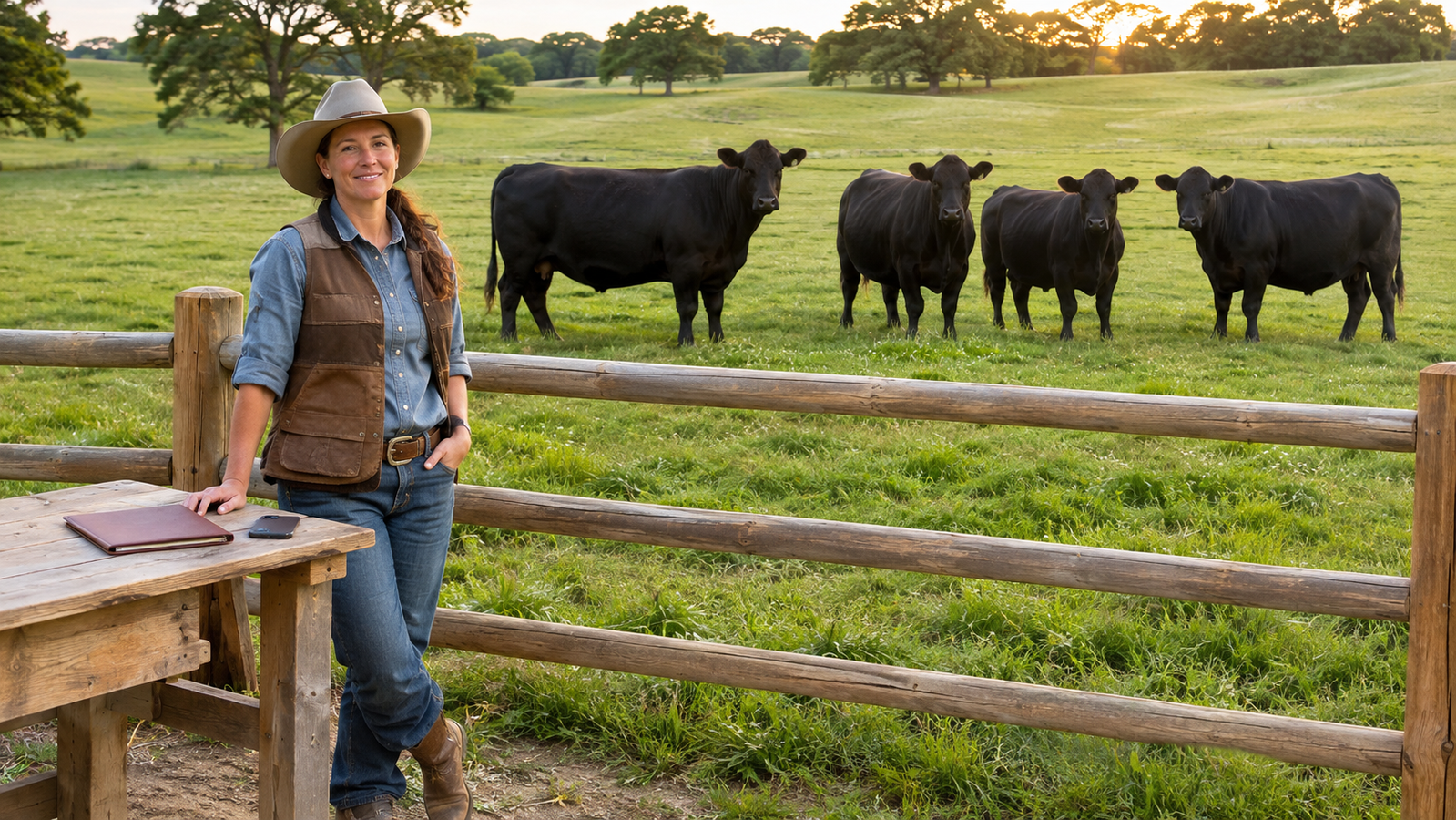
Moving a CattleMax herd into Creatures
Creatures supports the original CattleMax whole-account ZIP export. In CattleMax, choose the gear icon, Account Data, then Create Account Data Export. The export link arrives by email. Keep the original ZIP intact. Sign in before opening Import, then upload it and review the proposed animals and records before confirming. The animal import guide explains the intake workflow.
That is an import from an exported file, not a live connection between accounts. Photos and attachments stay in CattleMax. Sold animals and pedigree relatives come in as public reference profiles, not animals you own, and some records are saved as labeled notes. The review lists what was left out. Keep the source export. Compare tags, registration numbers, dates and parent links on a few known cattle before you rely on the new records. The ear tag guide is useful when a management number and permanent ID have become confused.
Use Creatures for the next record you need
Start with the cattle you own now. Enter the identifier you recognize in the field and preserve the registry details as their own records. Add the next real weight, health document or breeding record rather than building an elaborate empty system. Keep the source paper with the record so another person can check where the information came from.
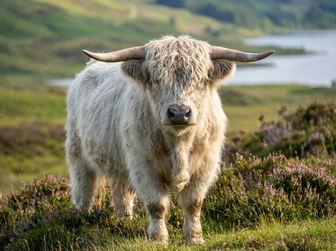
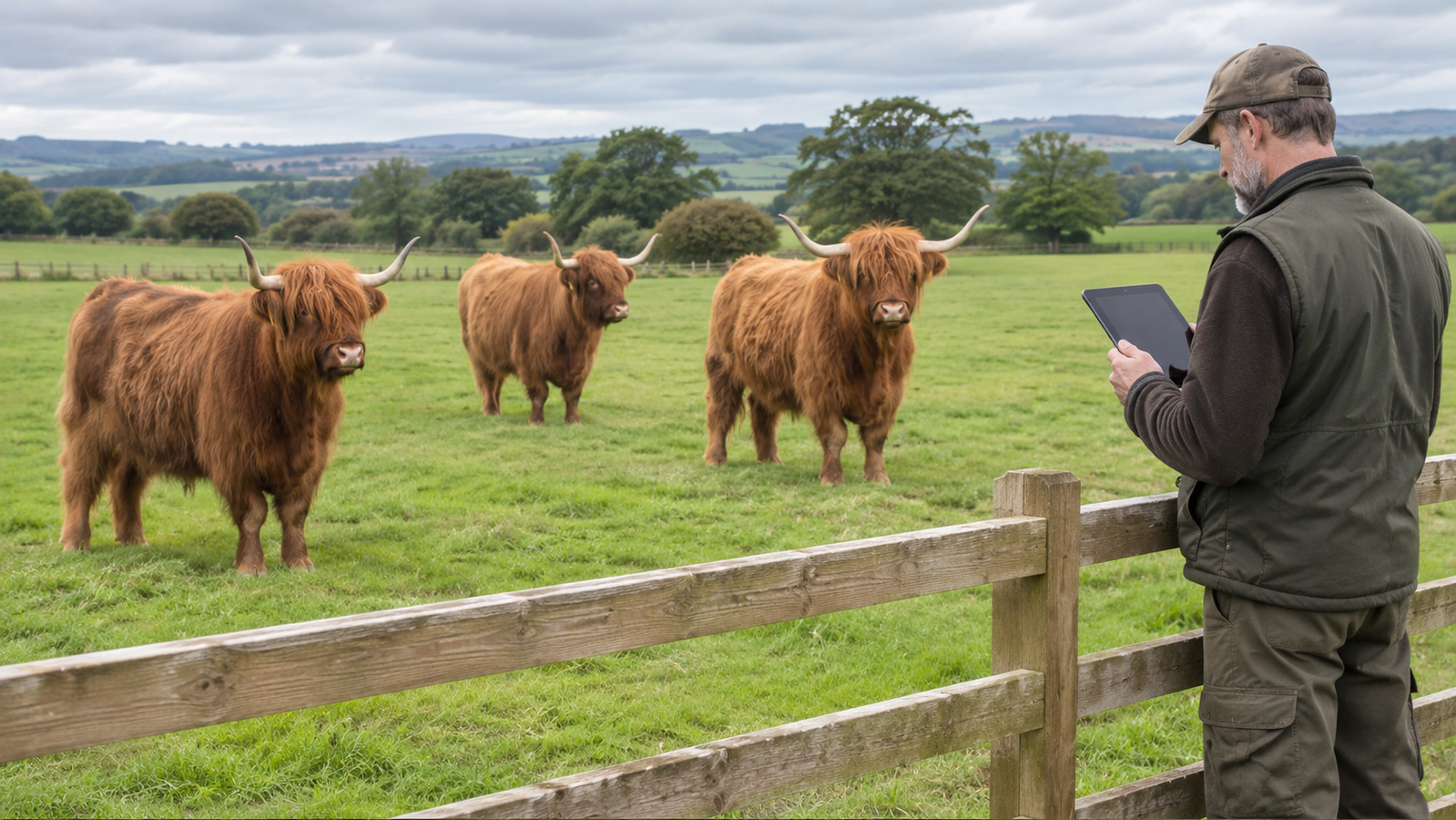
For a Highland breeding program, the AHCA registration guide addresses the registration job separately from choosing software. You can keep the record and its document together without treating your app entry as registry approval.
Questions to settle before switching
Does the free plan cover my herd? Compare active-animal definitions, plan limits and the records you need. Creatures’ animal profiles and records are free and unlimited; optional Pro and transaction services have their own terms.
Can I bring my existing records? Ask for the actual input format and an example of what is left out. Creatures names CattleMax and HerdBoss ZIP exports, spreadsheets, PDFs and photos of paperwork. Review is part of the process.
Can I leave later? Ask how to retrieve identifiers, parent relationships, dated records and attachments. Save an example export and open it before committing your whole working history to any system.
Do this next on Creatures
Start with an animal you already keep and the next record you need to find.
- Add a cattle profile with its identifying details. You can start as a visitor. Adding an animal explains the steps.
- Add a record for a date, observation or document. The form opens for visitors; a free account saves it. See how to add a record and health and medical records.
- Create your farm profile if your records belong with a business or team. Read how to get listed in the breeder directory before making a public profile.
- Save a cattle listing alert if you are also looking for animals. Availability changes; an alert follows the search.
- Browse current cattle listings when you are ready to look.
- Browse the breeder directory to find farms and programs to contact.